



ScienceBase Updates - Summer 2026
Summer 2026 topics include an update on the ScienceBase modernization project, a how-to for installing Globus Connect Personal, a tip on DOIs, and a featured data release.
Table of Contents
- EROS and CloudFlare Migration
- ScienceBase Modernization Project Updates
- Installing Globus Connect Personal
- Did You Know? DOIs instead of SB URLs
- Featured Data Release
ScienceBase team members have recently completed two major migrations: ScienceBase is now hosted at the USGS EROS data center and is also now behind the updated USGS Cloudflare Web Application Firewall (WAF). This work will help ensure application uptime and compliance with new Departmental security requirements. We’d like to thank ScienceBase users for their patience while this maintenance was performed.
ScienceBase Modernization Project Updates
Curious about the latest news in the ScienceBase modernization project? Join our monthly Open Office Hours, held every third Wednesday, to hear firsthand updates on the ScienceBase modernization initiative and to connect with our team. These sessions are your opportunity to ask questions, learn about new developments, and offer suggestions. For details on upcoming meetings and resources, contact sciencebase_datarelease@usgs.gov.
You can also always visit our Frequently Asked Questions page, which is updated monthly. We recently added in two new questions and answers on sharing data release drafts and the process our team is using to migrate datasets:
Will authors be able to share data release drafts with other users?
Yes, the new system will support multiple user access for viewing and editing in-progress data releases.
All logged-in users will have a 'My Releases' dashboard that displays data releases for which they have permissions. When an author creates a new data release, two Globus Groups are automatically created, one for read access and one for read/write access. The author will then be able to add other users to these groups. If a new user is added to a group, the data release will automatically show up in their 'My Releases' dashboard.
ScienceBase currently supports the creation of anonymous access links, which can be used to share draft data releases with external reviewers. This feature will be added to the new system; however, we're not yet sure about the timeline.
How will the ScienceBase team determine which datasets to migrate to the new system?
The SBDR team will identify data releases to migrate by using the internal 'data release' system tag, which we apply when we finalize and publish a data release. Only items with this tag will be automatically migrated.
There are items in ScienceBase that have been independently assigned Digital Object Identifiers but haven't been checked or finalized by the SBDR team. If you are the author or data manager of an item like this, and you’d like it to be migrated as an official data release, please contact sciencebase_datarelease@usgs.gov. We'll work with you to make sure it meets the requirements for the new system.
In-progress data releases won't be automatically migrated, because many of the draft landing pages in ScienceBase have been left unused. Instead, we'll provide a process for authors to request migration for specific in-progress data releases. More information about this process will be shared near the end of FY26.
The modernized ScienceBase system will use Globus Transfer as its mechanism for uploading and downloading files. This will greatly increase the possible size and number of files that can be moved into and out of the system.
For files under 500MB, users will be able to upload/download files directly through the ScienceBase user interface. For larger files, users will be routed to the Globus user interface.
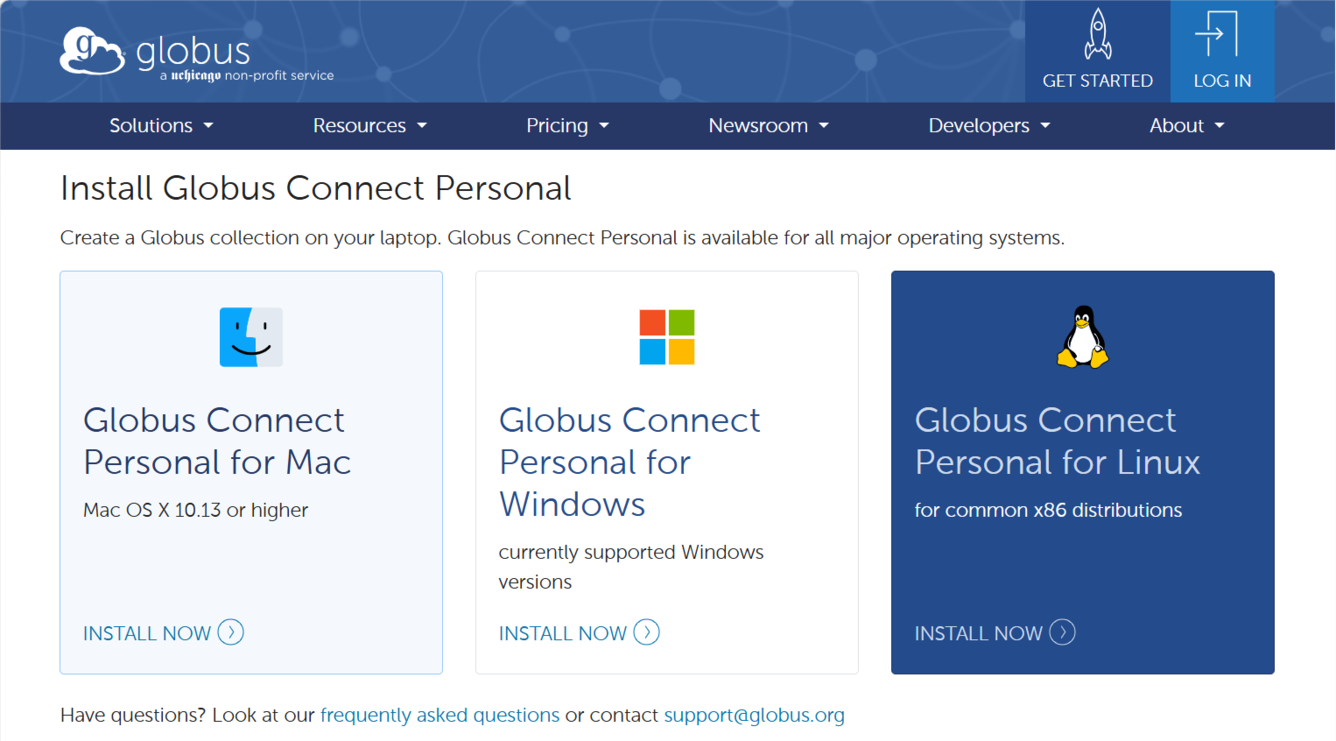
The USGS has a subscription to Globus, so all USGS users can automatically log in. To transfer files from a local directory, however, users will need a one-time download and install of Globus Connect Personal (GCP). To download the installer, please contact the USGS service desk. The Globus website has detailed instructions for configuring GCP on both Windows and Macs (click the ‘Install Now’ button to see the instructions). When you first install GCP, you will be prompted to create a personal Globus ‘endpoint’. It’s a good idea to name your endpoint after your Active Directory name to ensure that it’s unique.
Globus is a well-established and widely used method to transfer large data files in the research community. Because of its broad set of applications, we recommend Globus Connect Personal regardless of whether users will be working in ScienceBase. Globus Transfer can be useful for cases such as transferring data to and from HPC resources, fulfilling individual requests for data files, or just to support collaborative work.
Not all links that point to your data offer the same level of reliability. It can be tempting to use the ScienceBase landing page URL to reference your data, but URLs are not static web addresses and can change (like during a systems migration). This is where DOIs, or Digital Object Identifiers, are better - they are unique, persistent identifiers assigned to a research object, like a data release, and keep your data reliably accessible and identifiable as long as the DOI metadata is up to date.
Any USGS data product that goes through the ScienceBase data release process is given a DOI through the USGS Asset Identifier Service (AIS). USGS data and software release DOIs are assigned the prefix 10.5066/ followed by a series of eight alphanumeric characters unique to the release. This DOI then directs to a URL where the object is found online. This format allows users to know what they have, where it is, and dependably track a product throughout its lifecycle.
Any time you reference a data release or related publication, it is best practice to use the product's DOI rather than the URL, when available. This includes citing any objects in XML metadata or on the ScienceBase landing page - as long as the location of the object is up to date in the metadata for the DOI, the object can easily be discovered, tracked, and used.

Yellowstone National Park is full of dramatic thermal features like geysers, hot springs, and mud pots. These places release steam and gases, often with a strong rotten egg smell from hydrogen sulfide. Scientists have been studying these gases to better understand what they’re made of and where they come from. Most of the gas is carbon dioxide, but it also includes small amounts of helium, hydrogen, methane, and other elements. By comparing gas samples from different areas of the park, researchers can learn whether the gases come from deep volcanic sources or from rocks in the Earth’s crust.
A data release published on ScienceBase from Bergfeld and others (2019) brings together many years of research. It includes previously published gas and water measurements; plus, new gas samples collected through 2018 and some older carbon‑isotope data that had not been shared before. The dataset covers hundreds of samples grouped by location and includes detailed chemical and isotope information. These updated results replace earlier versions and give scientists a clearer picture of Yellowstone’s underground activity. The information also helps support future studies on volcanic processes, hydrothermal systems, and changes happening beneath the park’s surface. Since its publication, the data release has been cited by nine other publications.
Bergfeld, D., Lowenstern, J.B., Hunt, A.G., Hurwitz, S., McCleskey, B.R., and Peek, S.E., 2019, Chemical and isotopic data on gases and waters for thermal and non-thermal features across Yellowstone National Park (ver. 2.0, March 2019): U.S. Geological Survey data release, https://doi.org/10.5066/F7H13105.