



Real-Time Flood Impacts API


Detailed Description
Real-Time Flood Impacts API
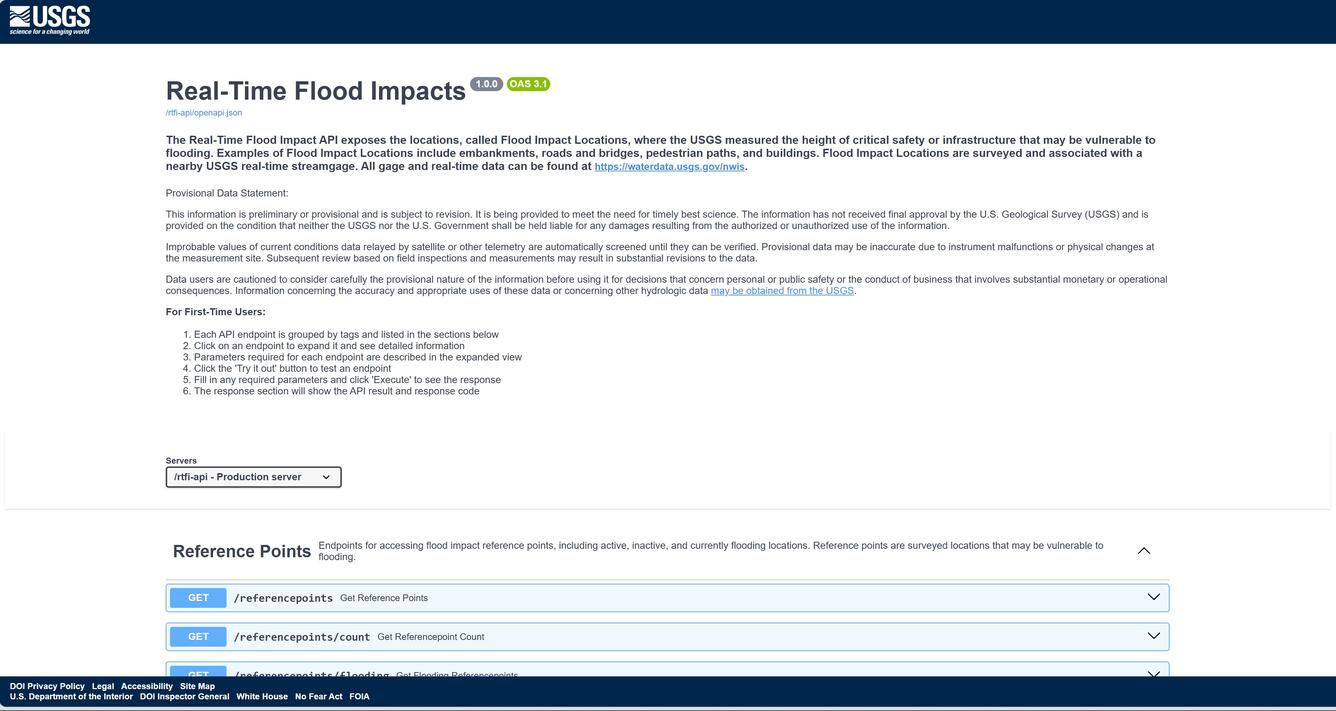
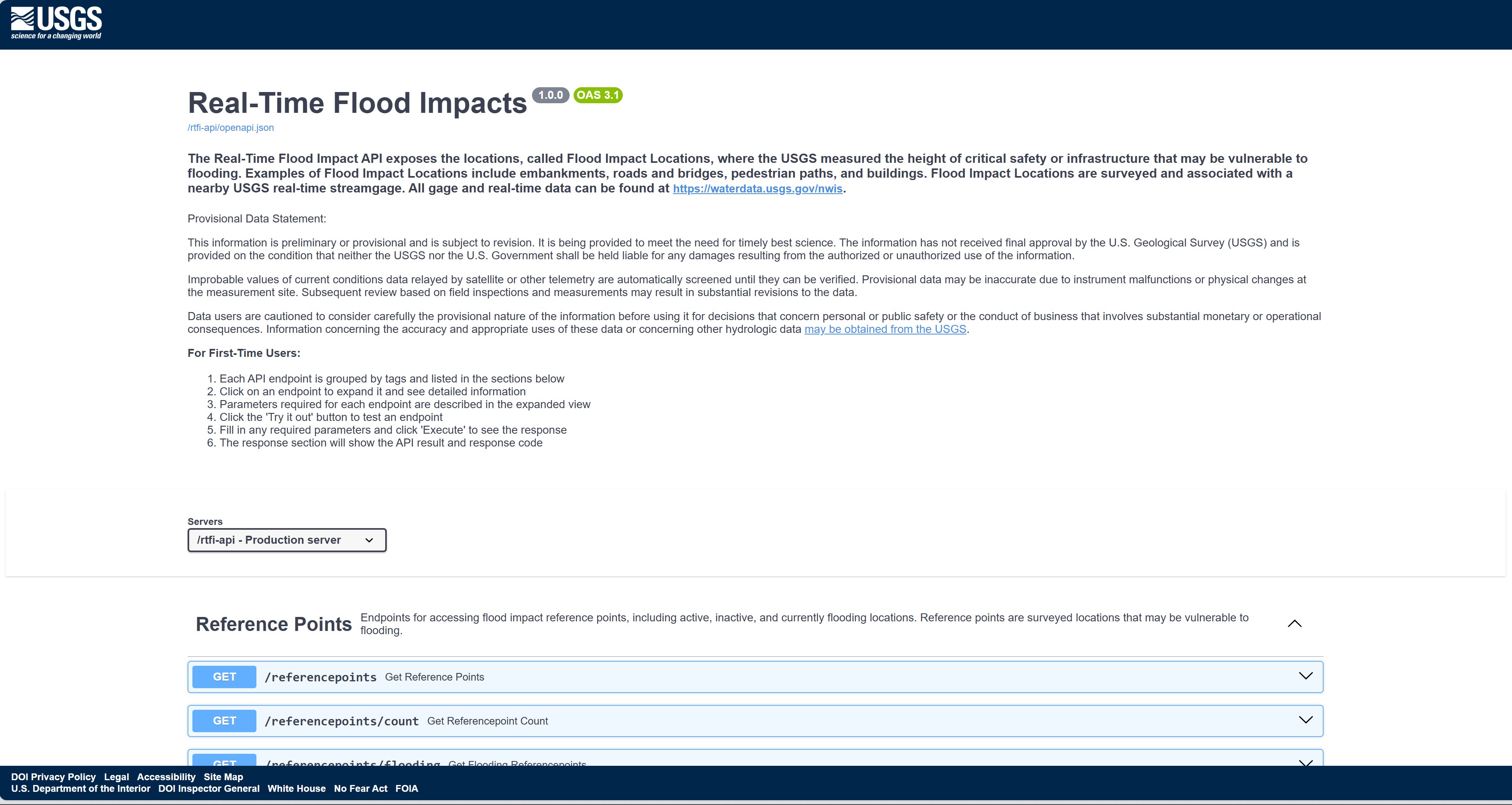
The Real-Time Flood Impact API exposes the locations, called Flood Impact Locations, where the USGS measured the height of critical safety or infrastructure that may be vulnerable to flooding. Examples of Flood Impact Locations include embankments, roads and bridges, pedestrian paths, and buildings. Flood Impact Locations are surveyed and associated with a nearby USGS real-time streamgage. All gage and real-time data can be found at https://waterdata.usgs.gov/nwis.
Provisional Data Statement:
This information is preliminary or provisional and is subject to revision. It is being provided to meet the need for timely best science. The information has not received final approval by the U.S. Geological Survey (USGS) and is provided on the condition that neither the USGS nor the U.S. Government shall be held liable for any damages resulting from the authorized or unauthorized use of the information.
Improbable values of current conditions data relayed by satellite or other telemetry are automatically screened until they can be verified. Provisional data may be inaccurate due to instrument malfunctions or physical changes at the measurement site. Subsequent review based on field inspections and measurements may result in substantial revisions to the data.
Data users are cautioned to consider carefully the provisional nature of the information before using it for decisions that concern personal or public safety or the conduct of business that involves substantial monetary or operational consequences. Information concerning the accuracy and appropriate uses of these data or concerning other hydrologic data may be obtained from the USGS.
For First-Time Users:
- Each API endpoint is grouped by tags and listed in the sections below
- Click on an endpoint to expand it and see detailed information
- Parameters required for each endpoint are described in the expanded view
- Click the 'Try it out' button to test an endpoint
- Fill in any required parameters and click 'Execute' to see the response
- The response section will show the API result and response code
Sources/Usage
Public Domain.