



NDT TRAILS Sample Project

Detailed Description
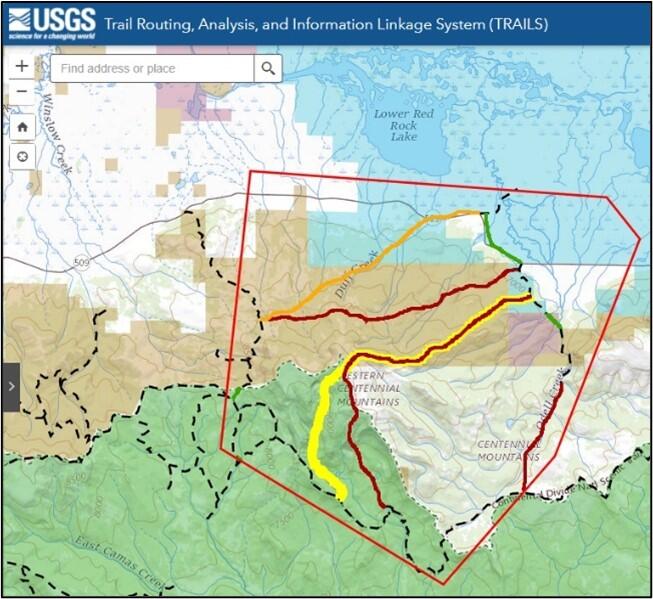
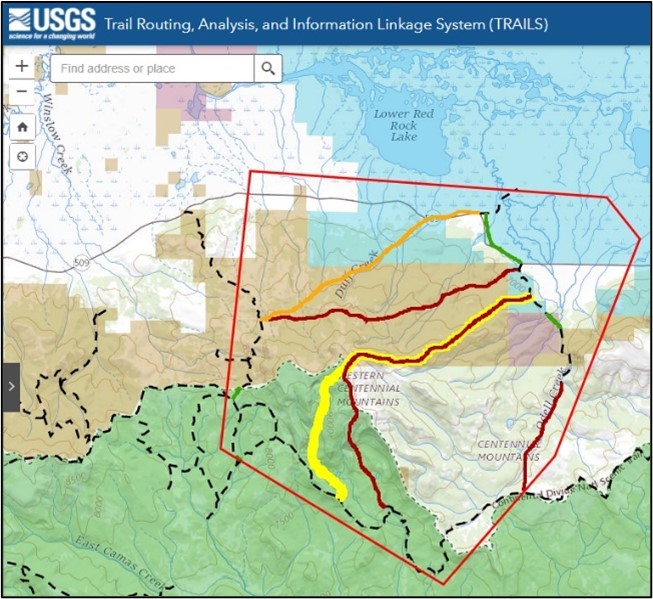
The image above shows an example of what a project might look like; the actual geographical area is irrelevant to the example.
The screenshot is from the online Trail Routing, Analysis, and Information Linkage System (TRAILS) application. A blue banner at the top includes the USGS logo and application name. Map tool icons such as increase zoom, decrease zoom, home, and location pinpoint are on the upper left. A search bar is to the right of the navigation tools. A side option menu expander is on the left.
Various colors overlay a topographic map to represent different types of protected land. For this example, the visible screenshot indicates:
- Blue overlay – US Fish and Wildlife Service/National Wildlife Refuge
- Brown overlay – Bureau of Land Management
- Green overlay – National Forest
- Pink overlay – State Department of Natural Resources
The topographic map has its own coloring system, including:
- shadowing and lighter green areas for raised topography,
- white areas to indicate non-specific areas,
- labeled landmarks such as mountain ranges and major creeks, and
- major roads.
For a project, a red polygon denotes an “Area of Interest,” and existing trails are indicated by black dashed lines.
Within this Area of Interest polygon, proposed connector routes have been generated between existing trails and are ranked according to terrain constraint by solid-colored lines: green for low, yellow for medium, and red for high.
Sources/Usage
Public Domain.