



Mapping Trailheads: A Step-by-Step Guide
TNMCorps has only been collecting trailheads as a structure type since the summer of 2024, and since then we've learned (and maybe you've noticed) that the process of identifying and naming trailheads isn't always so straightforward. Trailhead documentation can vary widely, so we've compiled a simple set of steps for editing trailheads that we hope you'll find helpful.
Step 1: Determining what a trailhead is and if it should be mapped
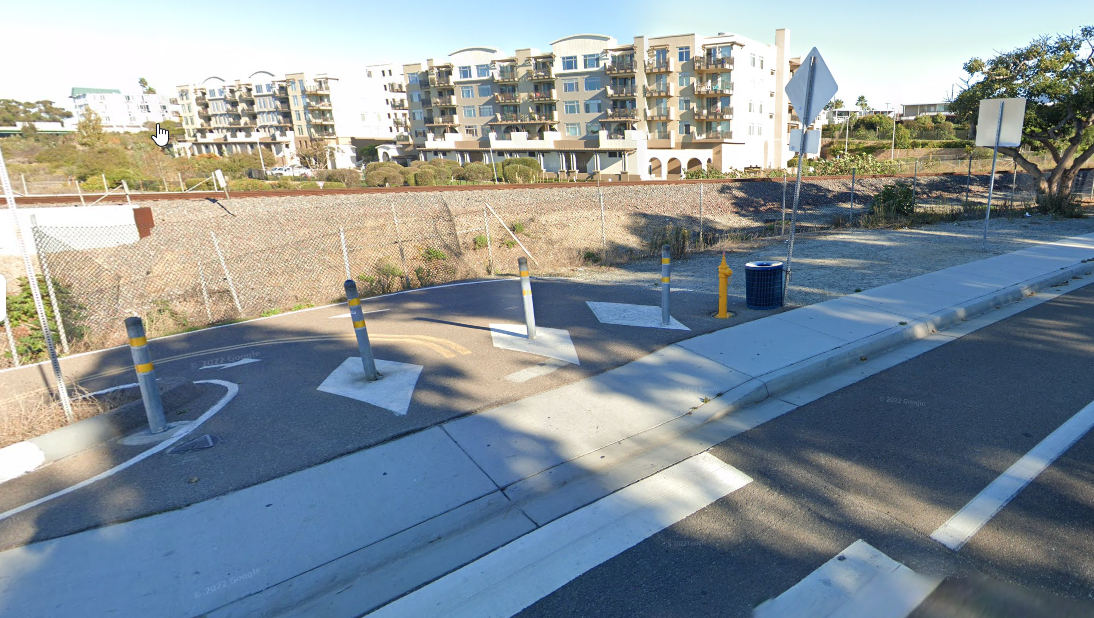
Before collecting or editing any trailhead points, make sure to review our trailhead collection criteria. After familiarizing yourself with what we are and are not collecting as trailheads, the next step is to locate an authoritative source to determine if a trailhead should be mapped. Authoritative sources may include state, county, local parks and recreation sites. This does not include aggregate or commercial sites such as Trailforks or Strava. If you have personal knowledge of a trailhead, be sure to double check that it is mentioned or mapped on an authoritative site before adding a point to the map. Unofficial, unauthorized, or “social trails” should never be mapped.
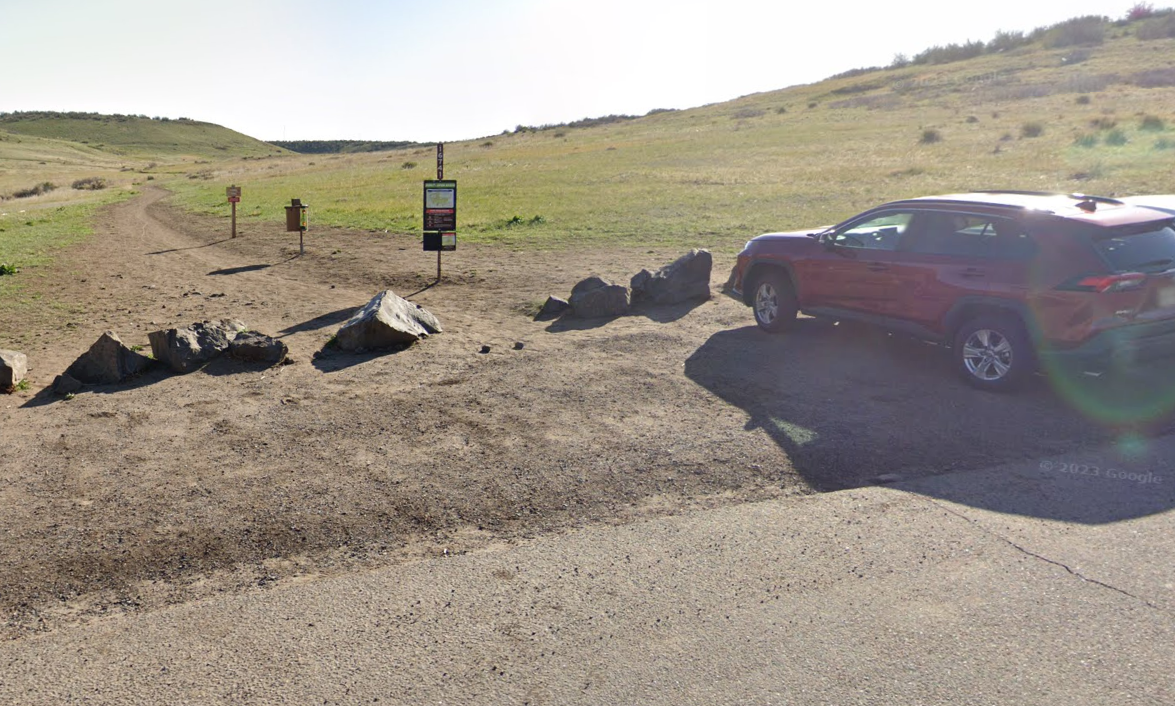
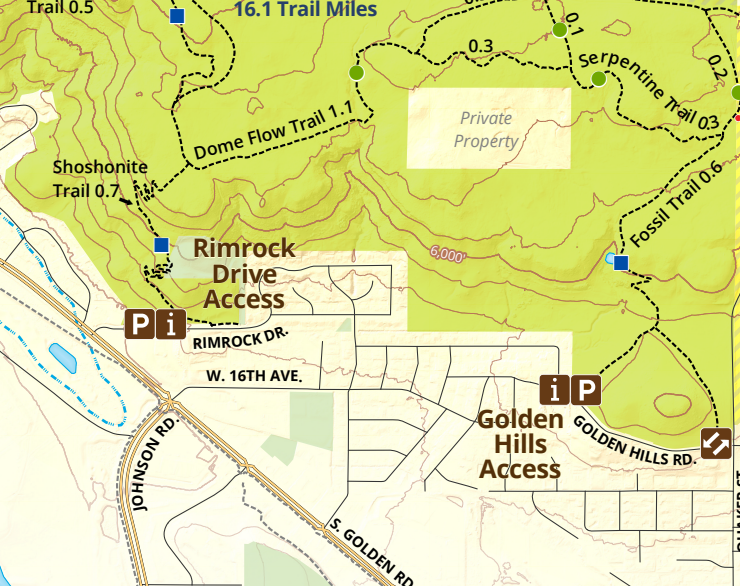
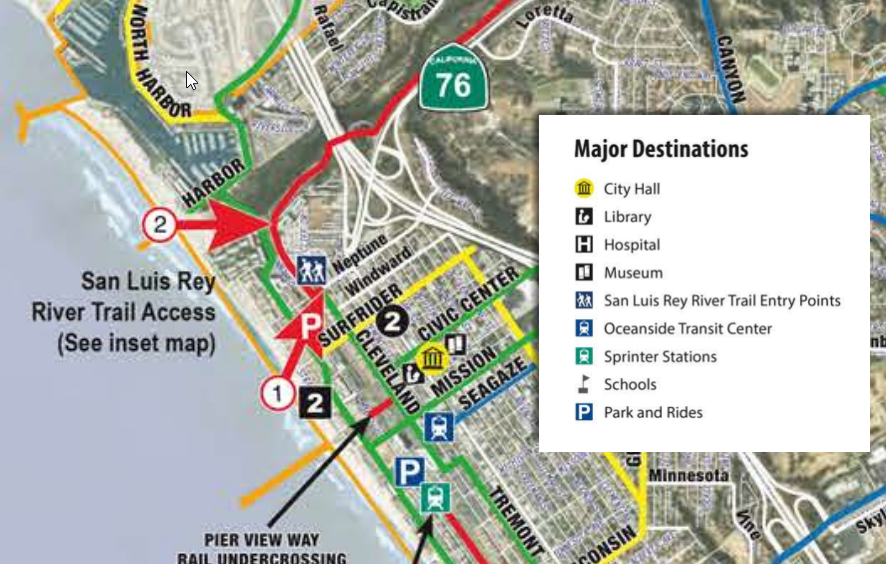
Many authoritative sites will include a map of their trail system including trailheads. Trailheads will often have kiosks, restrooms and parking at the start of a trail. Some authoritative trail maps might also include trail access points. If those sites include parking, signage, and/or restrooms, they can be mapped as trailheads.
Step 2: Deciding what to name the trailhead
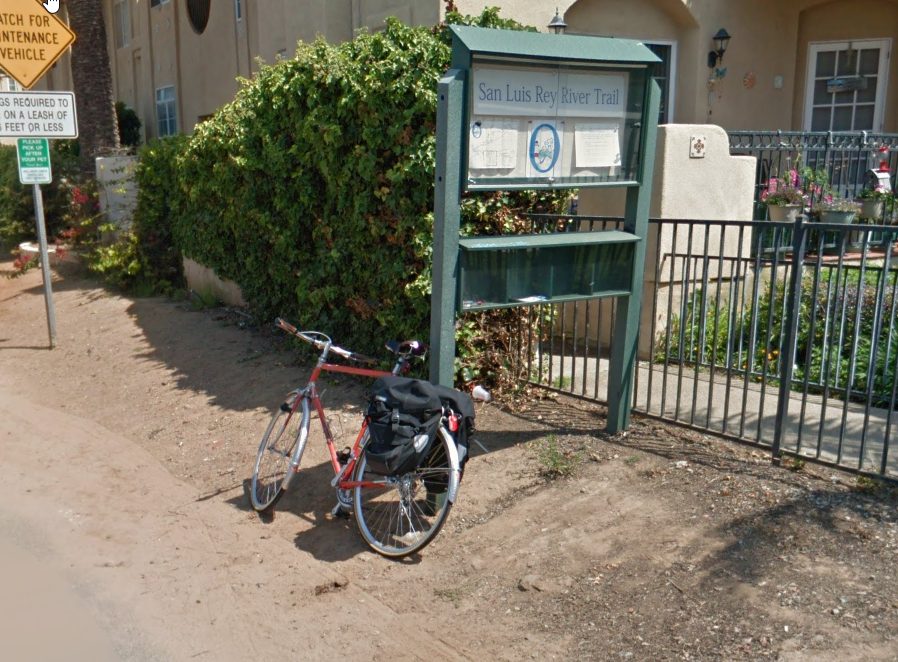
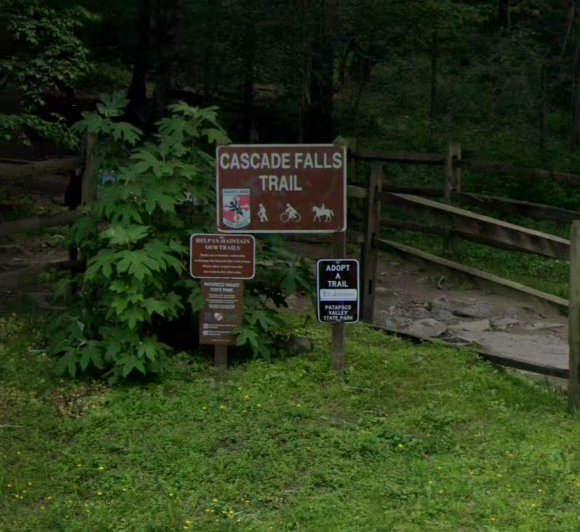
If the authoritative site lists the trailhead name, that is the one you should use. Or if there is signage at the trailhead location, you can use that name. Be sure to include “Trailhead” in the name to better represent the feature being mapped (ex. Rimrock Drive Trailhead, Golden Hills Trailhead). If there isn’t an official name or signage for a trailhead it is okay to use the name of the park or land area followed by “Trailhead”.
Step 3: Where to place the trailhead point
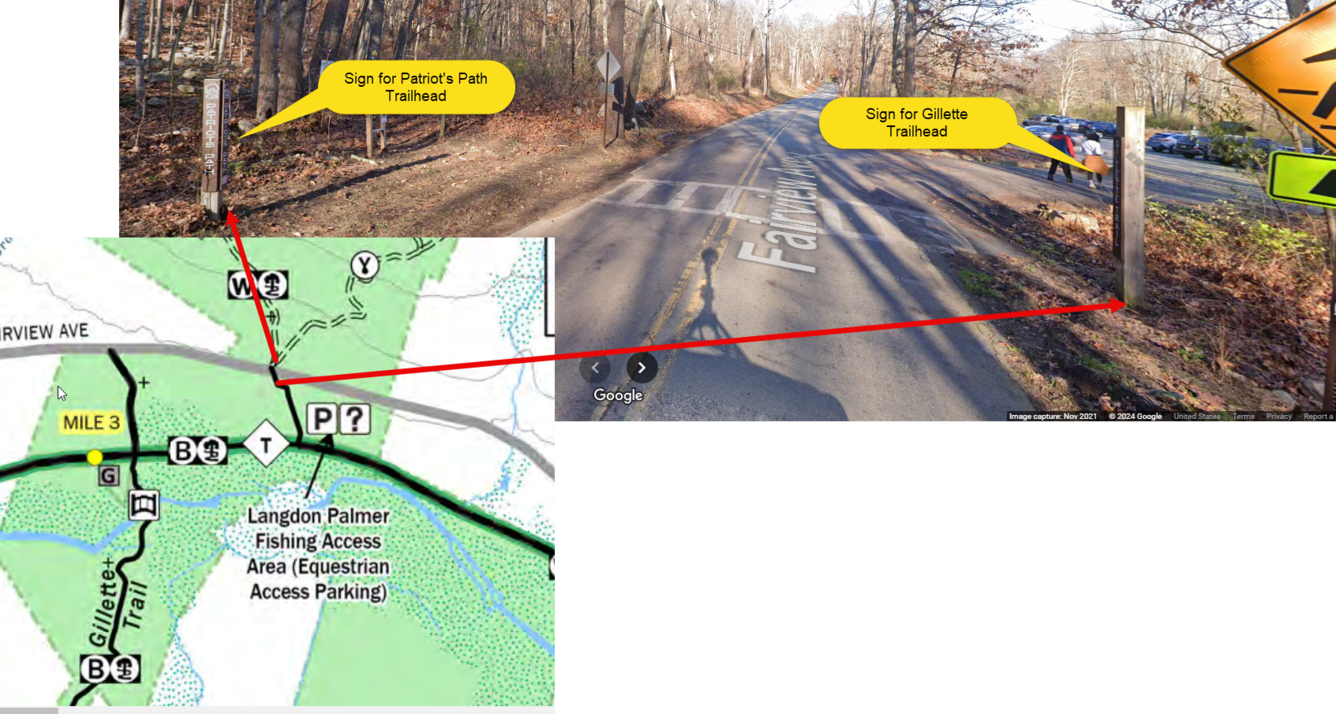
Use the map provided by the authoritative site if available and/or personal knowledge or aerial imagery to determine the location of a trailhead. If needed it is okay to use a secondary source like Google Street View ™ to confirm the location.
Step 4: Filling out the address field
An address is not required for trailheads but check the authoritative site to be sure a trailhead has not been assigned an address. If an address cannot be found from an authoritative source, it is okay to leave the address field blank.
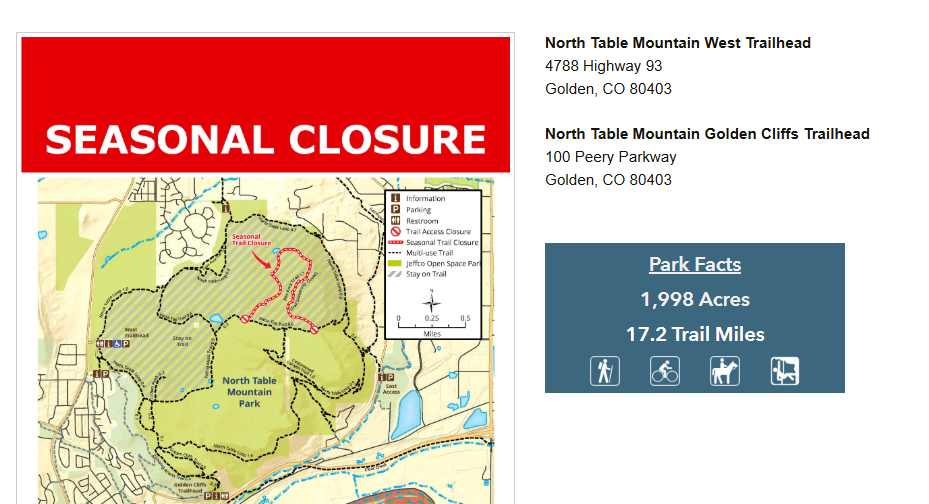
We’ve covered some examples that are likely to represent common trailhead scenarios, however trail systems and park maps are likely to vary widely across the country. They might have to be examined on a case-by-case basis, so if you’re ever unsure about whether a point should be collected, where to place the point, or what to name it, reach out to us!
Remember, we aren’t collecting trailheads (or other recreation features) that are managed by U.S. Fish and Wildlife Service, National Park Service, U.S. Forest Service, and the Bureau of Land Management. That data is under the purview of those agencies and cannot be edited by TNMCorps volunteers because they are marked as existing within a restricted area. If you do encounter a federally managed trailhead point which you CAN edit (but shouldn’t), refer to this article for additional guidance on recognizing and reporting such points.