



Closer Look at the Layers List
The map layers list, located on the top right-hand side of The National Map Corps web-based map editor, includes the top section of reference basemap layers, followed by thematic overlays in the bottom section. Together they provide provides a spatial framework for understanding where feature data are located and how they relate to each other.
Summary of Map Layers
Purpose: provides visual and geographical context for overlaid map layers at various scales.
Basemap Layers (Top section)
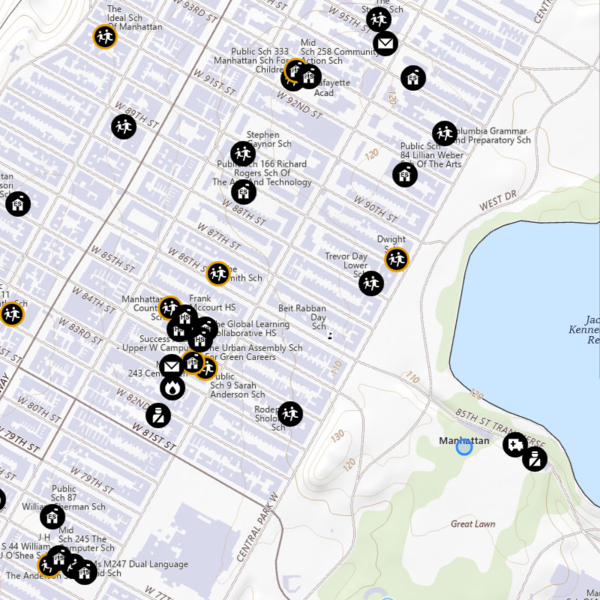
The National Map Base Layer:
- Vector-based map without imagery
- Displays, geographic names, boundaries, transportation, contours, hydrography, land cover, shaded relief, and bathymetry
- Covers the U.S. and territories (Puerto Rico, U.S. Virgin Islands, Guam, American Samoa, Northern Mariana Islands)
- Useful as a reference layer for identifying road and highway names, cities, counties, and the names of natural and human-made features
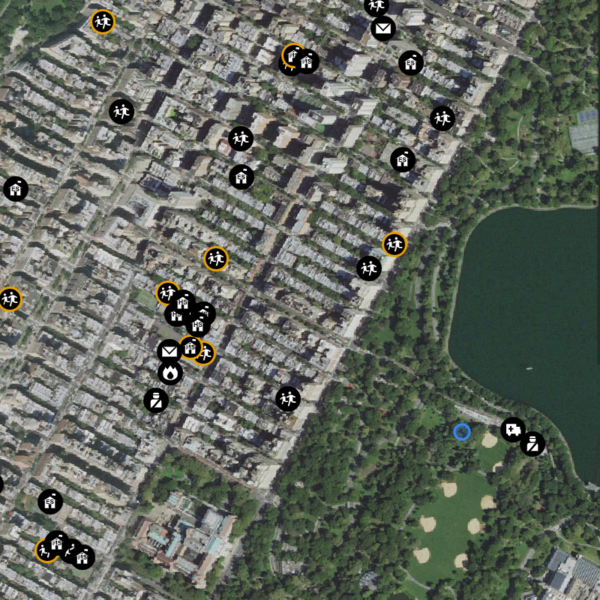
The National Map Imagery:
- Combines NAIP aerial photos (Continental United States) with High Resolution Orthoimagery and Maxar Technologies (Alaska, PR, HI)
- Resolution ranges from 6 inches to 1 meter
- Geometrically corrected to remove terrain and camera system distortions with map-level accuracy
- The preferred layer for ensuring correct symbol placement on buildings or within cemetery grounds
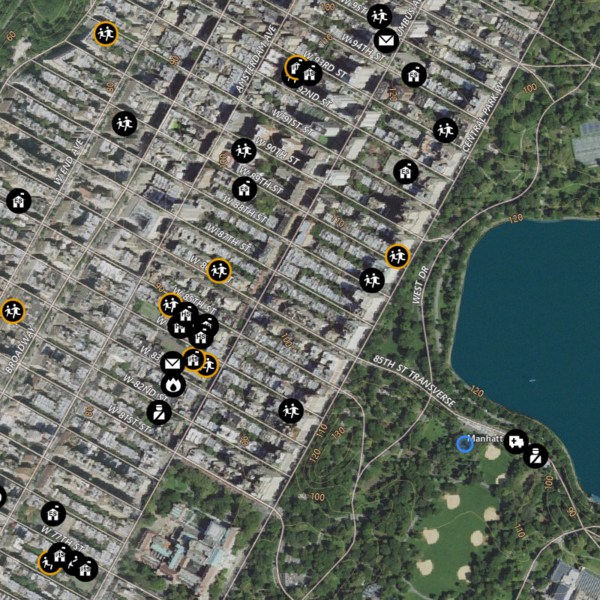
The National Map + Aerial Imagery:
- Combines the first two map layers to provide visual and contextual information in one view with the spatial accuracy and reliability of a planimetric map
- Useful for assessing objects, patterns and nearby associative features to assist with feature collection
Esri Imagery:
- Provides 1m or better satellite imagery and aerial imagery in many parts of the world and lower resolution satellite imagery worldwide
- Features high-resolution aerial photography from the GIS user community
- Useful for zooming in on building footprints or distinguishing boundaries for cemeteries in combination with NAIP imagery for proper point placement
- Citations can be accessed in the World Imagery with Metadata web map
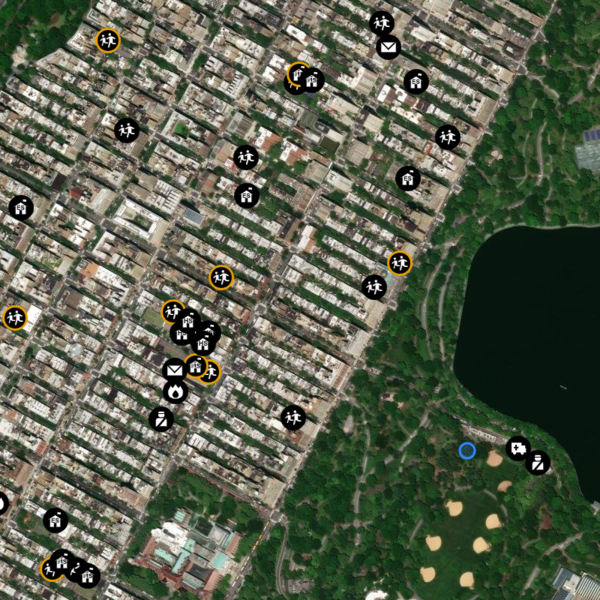
NAIP Imagery
- Combines NAIP aerial photos (Continental United States) with High Resolution Orthoimagery, and Maxar Technologies (Alaska, PR, HI)
- Primarily 0.6 meter resolution 4-band imagery presented in natural color
- Geometrically corrected to remove terrain and camera system distortions with map-level accuracy
- Useful for confirming the correct location of a point and final symbol placement
Summary of Map Overlays
Purpose: Map layer overlays add National Map features representing types of spatial information to the base layer; each can be toggled on/off and adjusted for transparency.
Overlay Layers (Bottom section)
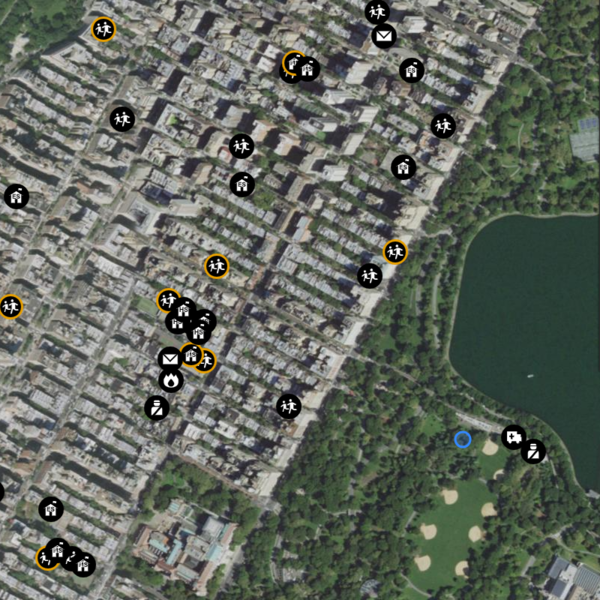
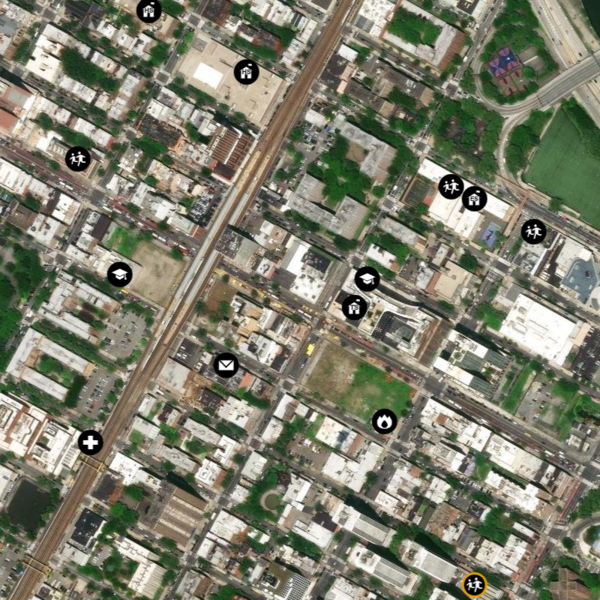
Structures:
- The National Map data which comprises the National Structures Dataset (NSD) and is editable via TNMCorps
- Point features representing locations, names, and details of structures (human-made facilities) across the U.S. and territories (e.g., Fire Stations, Schools, and Cemeteries)
- Useful for viewing existing data to ensure you’re not creating duplicate points, or toggling various structures on or off to narrow down a visual search
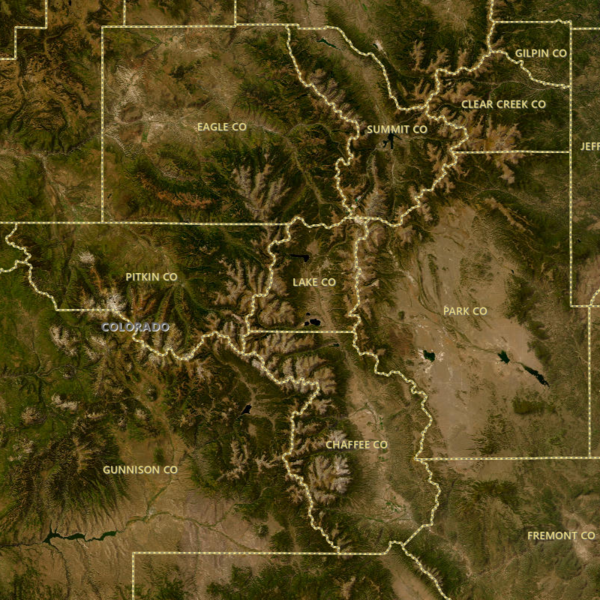
Boundaries:
- Displays vector boundaries of states and counties
- Useful for researching cemeteries by county on Find A Grave or looking for parcel information
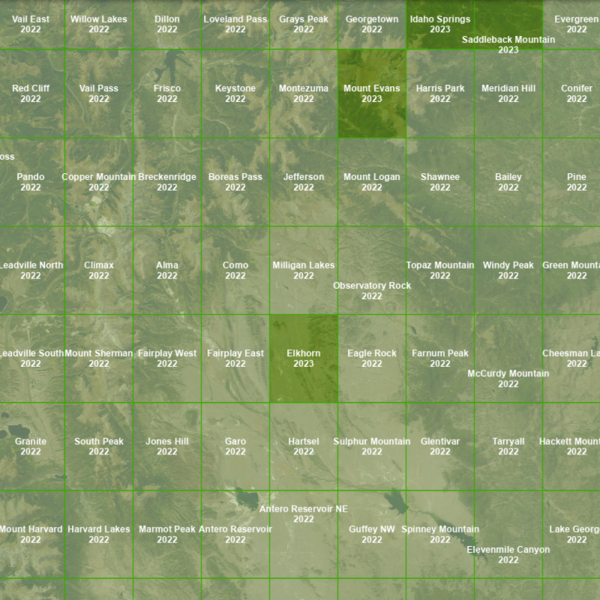
Quad Index:
- Displays USGS quadrangle map grid, with names and publication years of maps
- In combination with topoView, search by quad name to access the historical topographic map collection to see landscape change over time
- Useful when editing cemeteries to identify existence/name on older maps
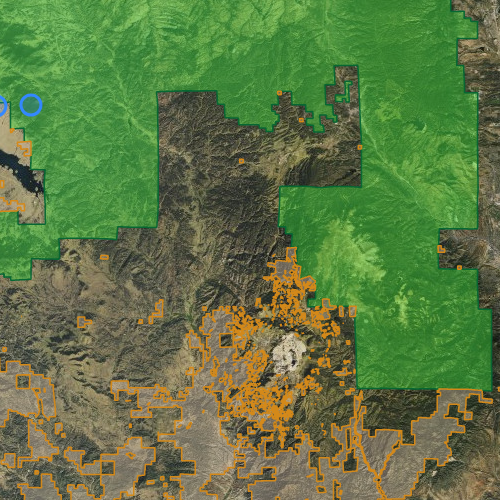
USA Federal Lands:
- Shows location of U.S. federal lands for Bureau of Land Management, U.S. Fish & Wildlife Service, U.S. Forest Service, and National Park Service
- Legend available for different features within this overlay by agency by color
- Useful for identifying campgrounds, trailheads, and visitor centers located on restricted areas - federal public lands on which TNMCorps volunteers are not permitted to edit
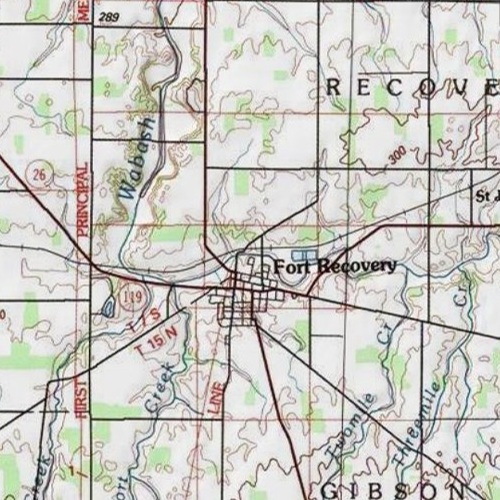
Historical Topo:
- A digital repository of maps printed between 1884 (the inception of the topographic mapping program) and 2006 at various scales
- A snapshot of physical and cultural features from a particular time
- Useful when editing cemeteries to see if the cemetery location and name were shown on an older map
- Maps available through the The National Map Downloader and via the topoView application
Related Information
-

The National Map - Data Delivery
This site offers applications, web services, data downloads, topographic maps and other tools dedicated to delivering topographic information for the Nation. Users can access geographic information system (GIS) data and topographic maps related to elevation, hydrography, geographic names, governmental boundaries, structures and transportation.